

Accessing Transactions
- Once logged in, click on the
Transactionstab located on the left-hand side vertical navigation bar. - A listing screen will appear displaying the following columns:
- Payment ID: A unique identifier for each collect, starts with
col_ - Status: The status of the collect - succeeded, failed or on_hold
- Invoice Amt: The amount in the currency collected
- Date: The timestamp at which the collect was created
- Payment Method: Indicates whether the collect was made using Local Bank Transfer, Wire Transfer or via Stablecoins.
- Payment ID: A unique identifier for each collect, starts with
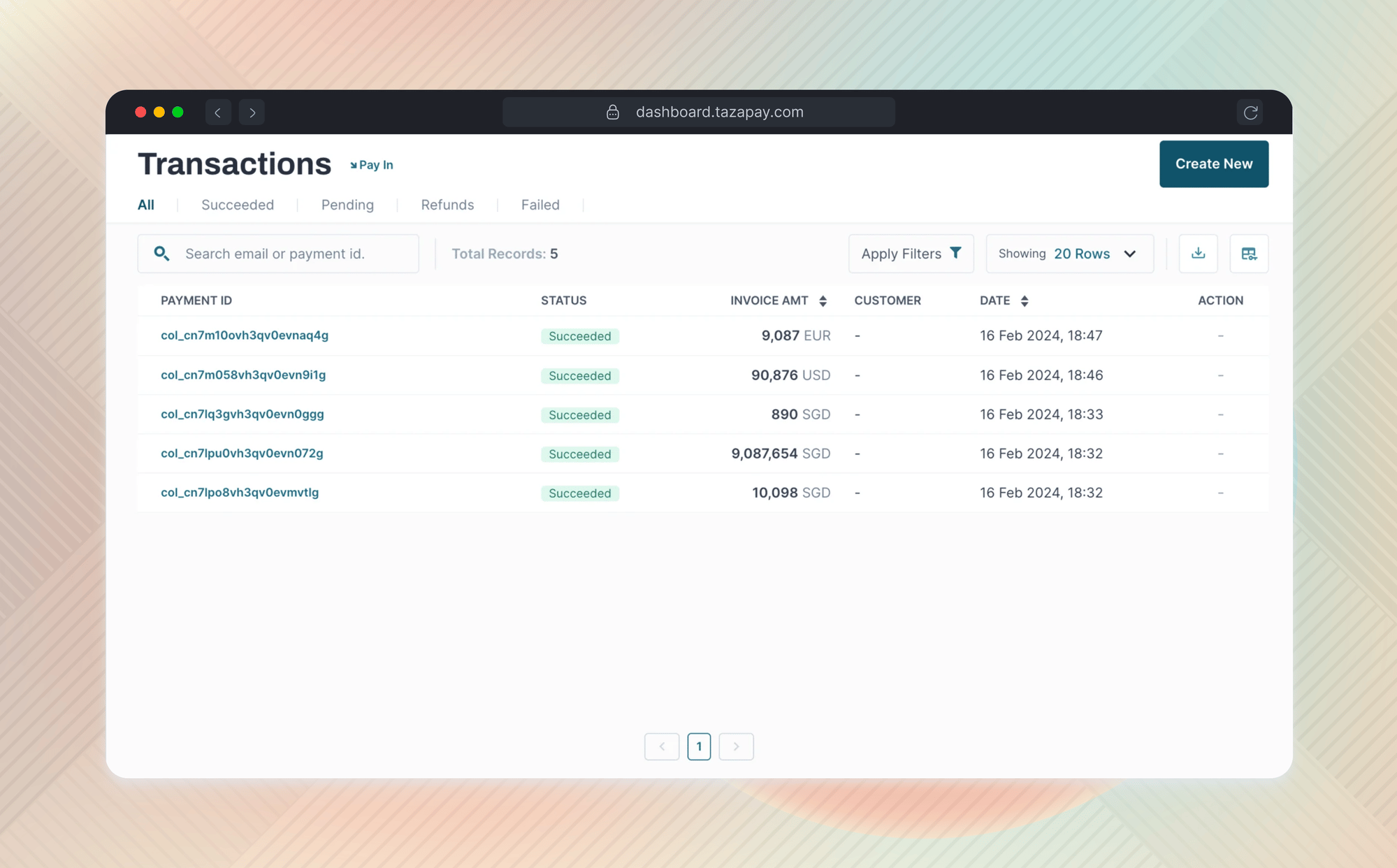
Searching for collection records
Use the search tab at the top-left corner of the screen to find a specific collect ID. You can perform a full search with the exact ID or a partial search with a part of the ID.Viewing Collect Details
To view the expanded details for a collect, you can simply click on the Payment ID starting withcol_ on the Transactions screen and it will redirect you to the collection summary screen. The screen will display the following information -
Account Details
Collection Details
Sender details
Sender details vary by the payment method used to fund the payment.- Virtual account
- Wallet
These fields are populated only if the sender enters them in the banking
application used to transfer the funds. Any of them may be empty.
Next steps
Fetch incoming payments
Poll the API to retrieve incoming payments and their sender details.
Subscribe to webhooks
Get notified the moment funds land, instead of polling.