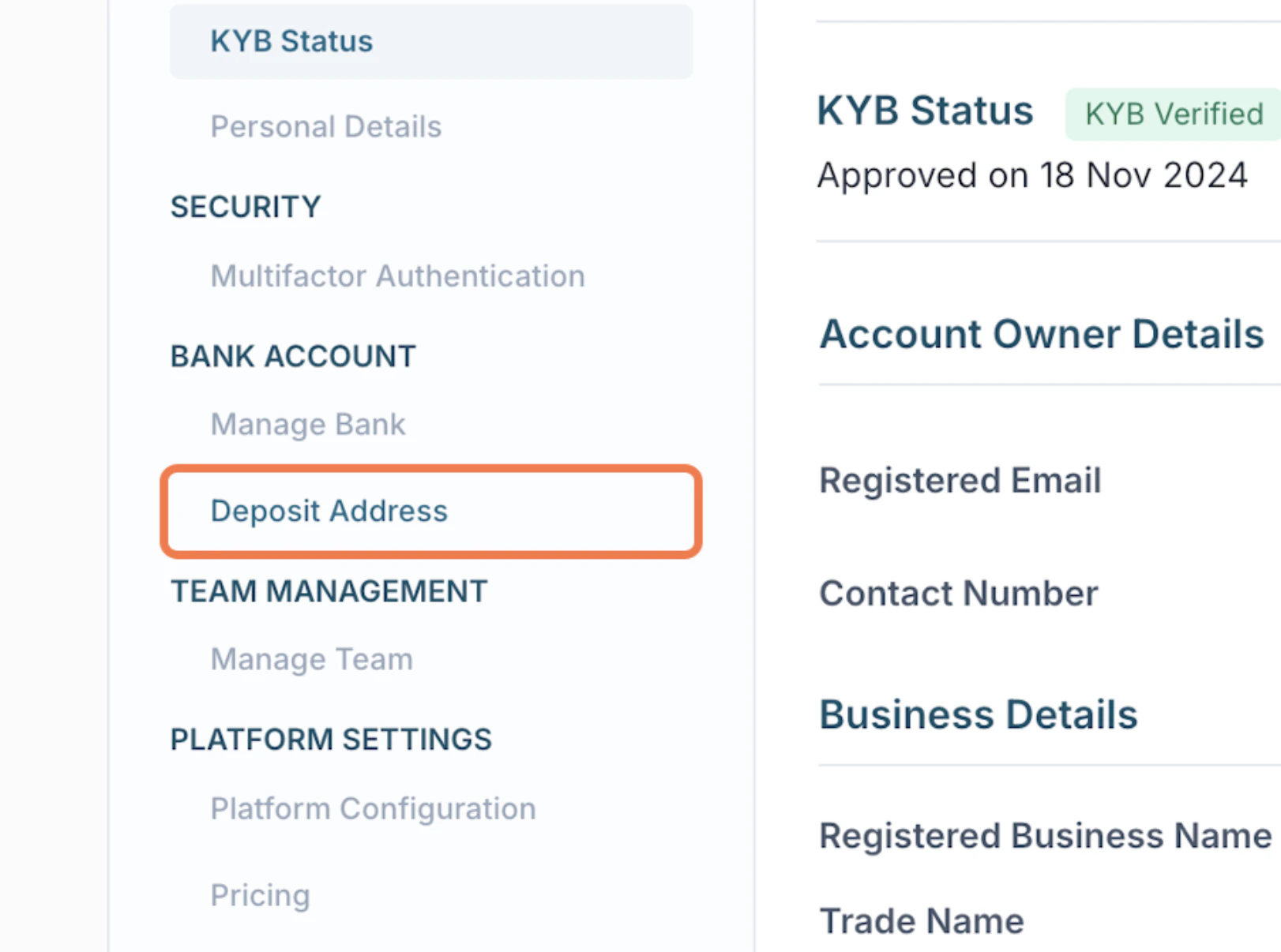
You can configure your deposit address from the Tazapay dashboard. Please note that this configuration can only be performed once before any transactions are associated with the deposit address.Documentation Index
Fetch the complete documentation index at: https://developer.tazapay.com/llms.txt
Use this file to discover all available pages before exploring further.
How to Configure a Deposit Address
You can configure your deposit address directly from the Tazapay Dashboard.Steps
- Go to Home → Settings
- Navigate to Deposit Address
- Click Edit
- Enter your preferred deposit address details
- Click Update to save