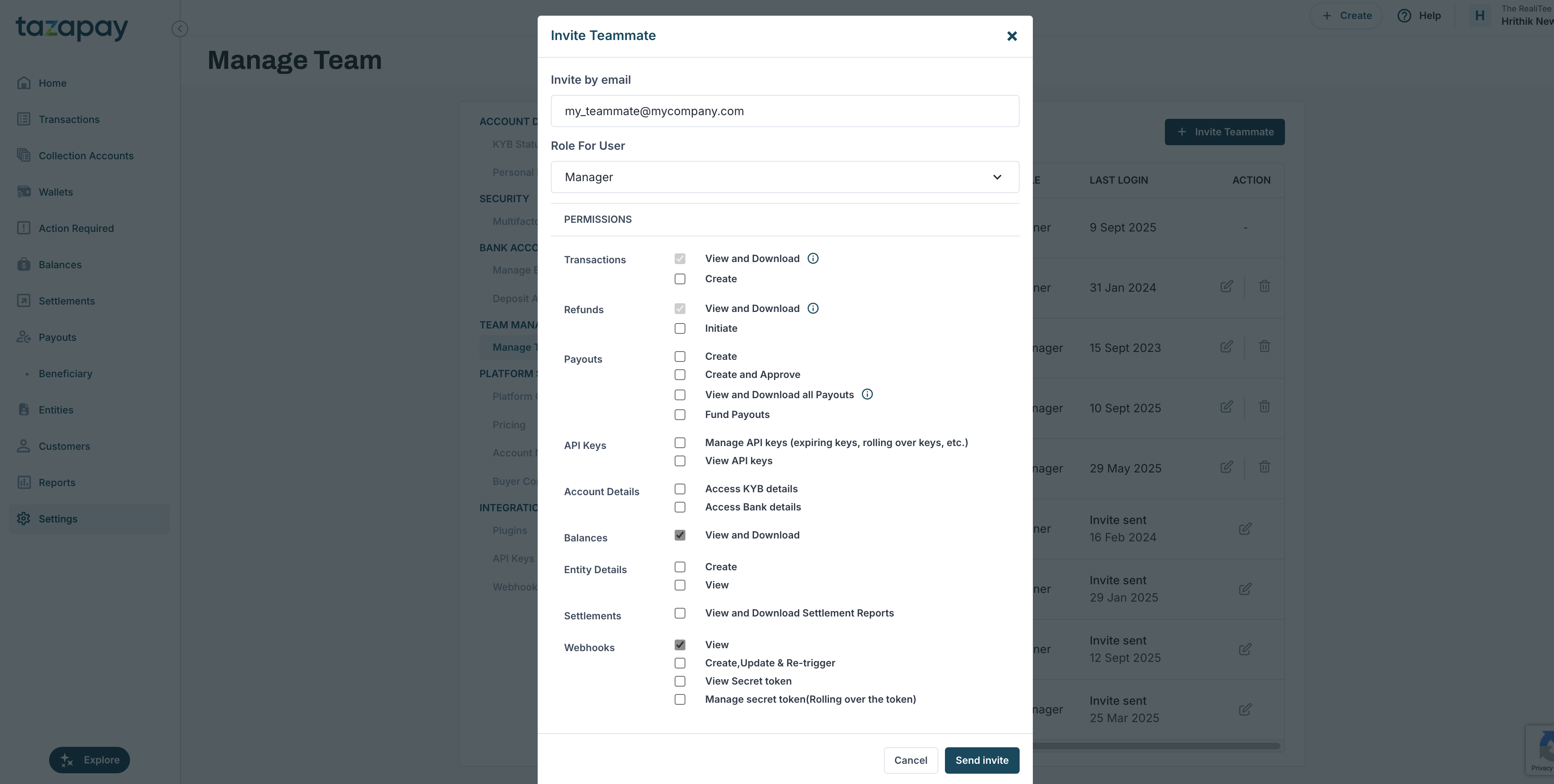
To manage your team, go to Settings in your Tazapay Dashboard and navigate toDocumentation Index
Fetch the complete documentation index at: https://developer.tazapay.com/llms.txt
Use this file to discover all available pages before exploring further.
Team Management -> Manage Team.
Roles and Permissions
Tazapay uses Role-Based Access Control (RBAC):- Owner: Full access, including settings, transactions, API keys, and team management.
- Manager: Permissions can be adjusted.
Inviting a Team Member
- Click
Invite Teammate - Enter their email.
- Select a role and adjust access if needed.
- Send the invite - they’ll receive an email to join.