Accessing the Balances Section
The dashboard displays a balances section that provides an overview of your available balances. This section shows balances for key enabled currencies associated with your account. To view balances across all enabled holding currencies, select View all balances.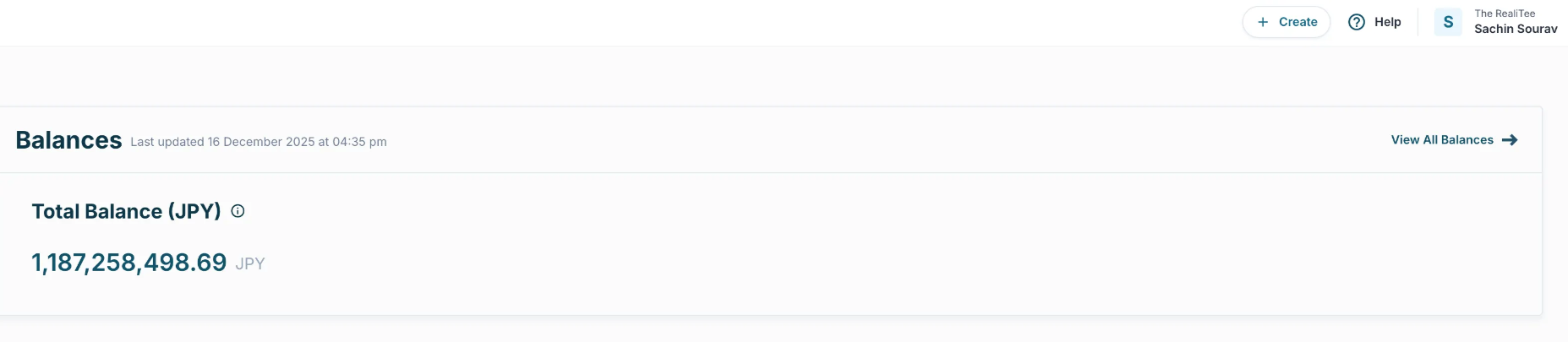
Viewing All Holding Balances
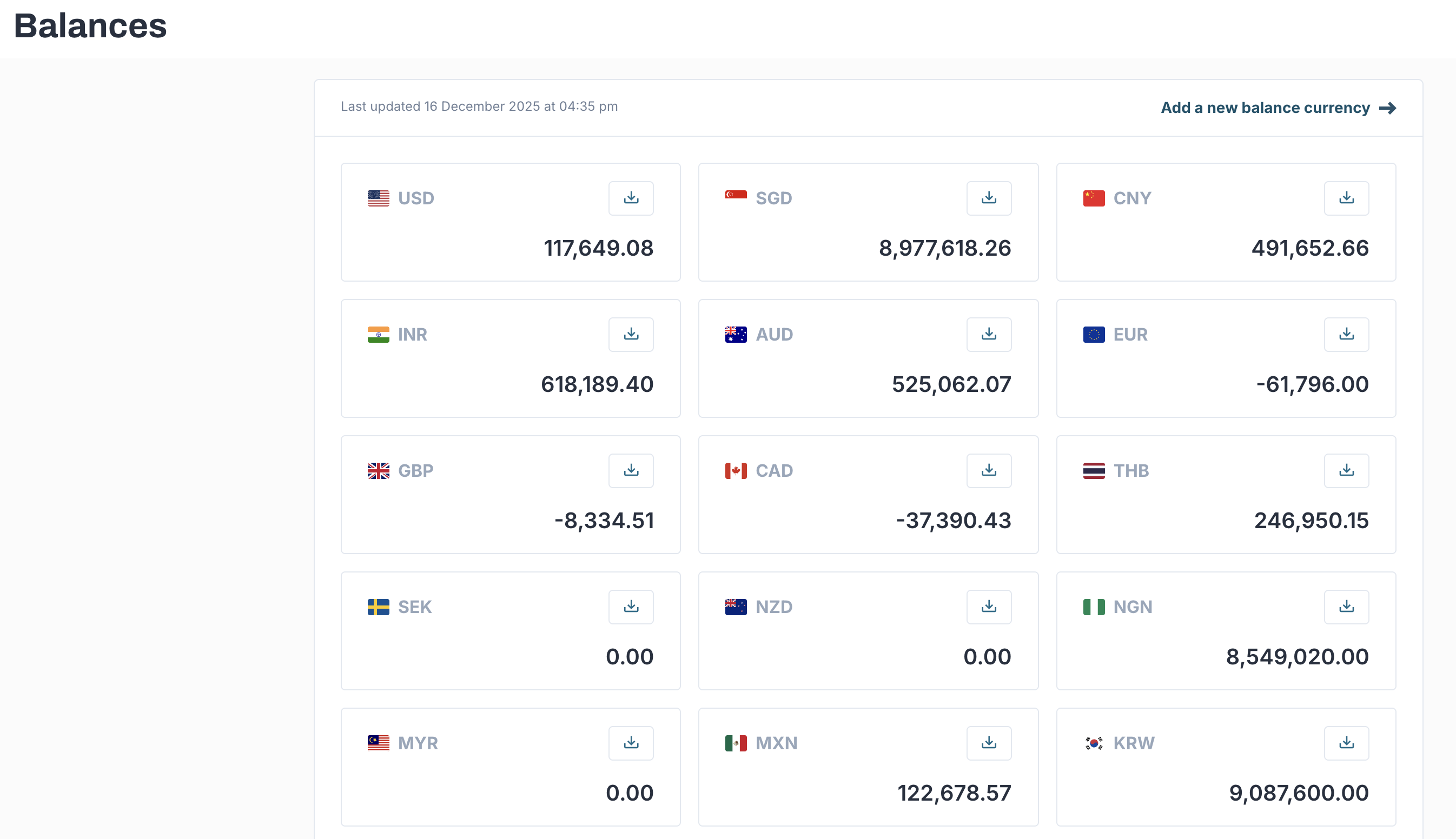
Selecting View all balances navigates you to the balances screen, which displays balances across all enabled currencies. On this screen, you can:- View balances for each holding currency
- Identify available amounts per currency
- Download the balance report for each currency